
Streaming platforms, cloud storage, premium apps, meal kits—subscriptions are everywhere. They’re convenient but can quietly drain your wallet. The good news? You don’t need to give them all up. Instead, you can learn how to save on subscriptions with these clever tricks and keep the services you enjoy without overspending.
1. Audit All Your Subscriptions
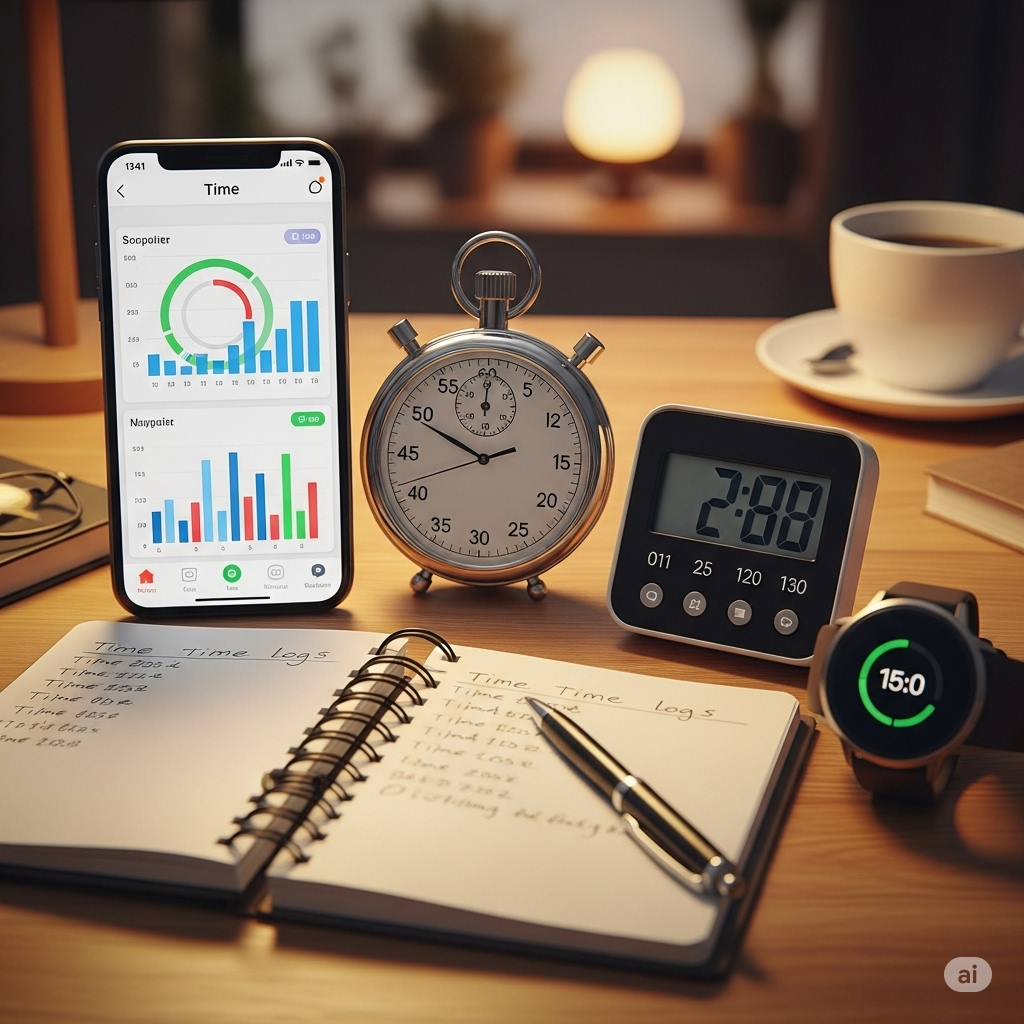
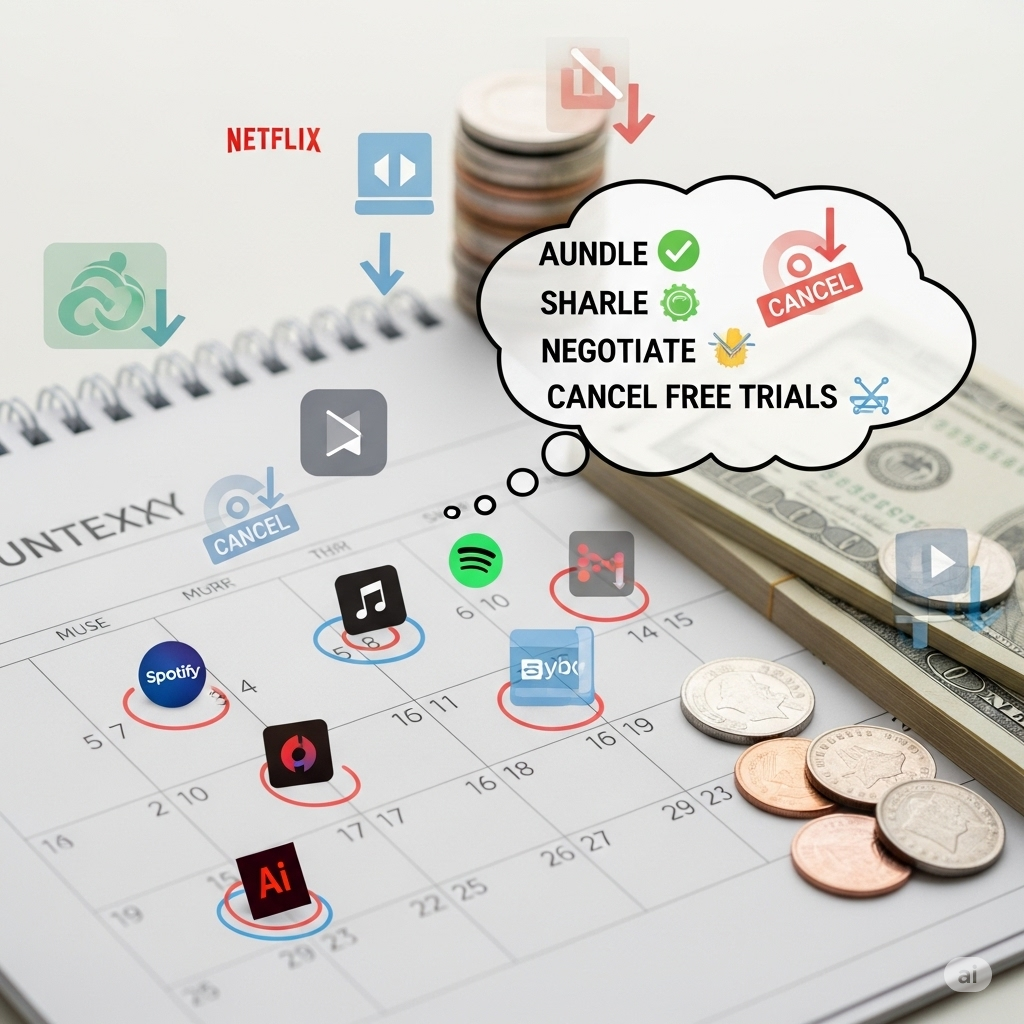
Start with awareness. List every subscription you’re paying for:
- Streaming services (Netflix, Spotify, Disney+)
- Cloud storage (Google Drive, Dropbox)
- Productivity tools (Notion, Canva, Adobe)
👉 Pro tip: Use apps like Truebill (Rocket Money) or Bobby to automatically detect hidden subscriptions you forgot about.
2. Cancel or Pause Unused Services
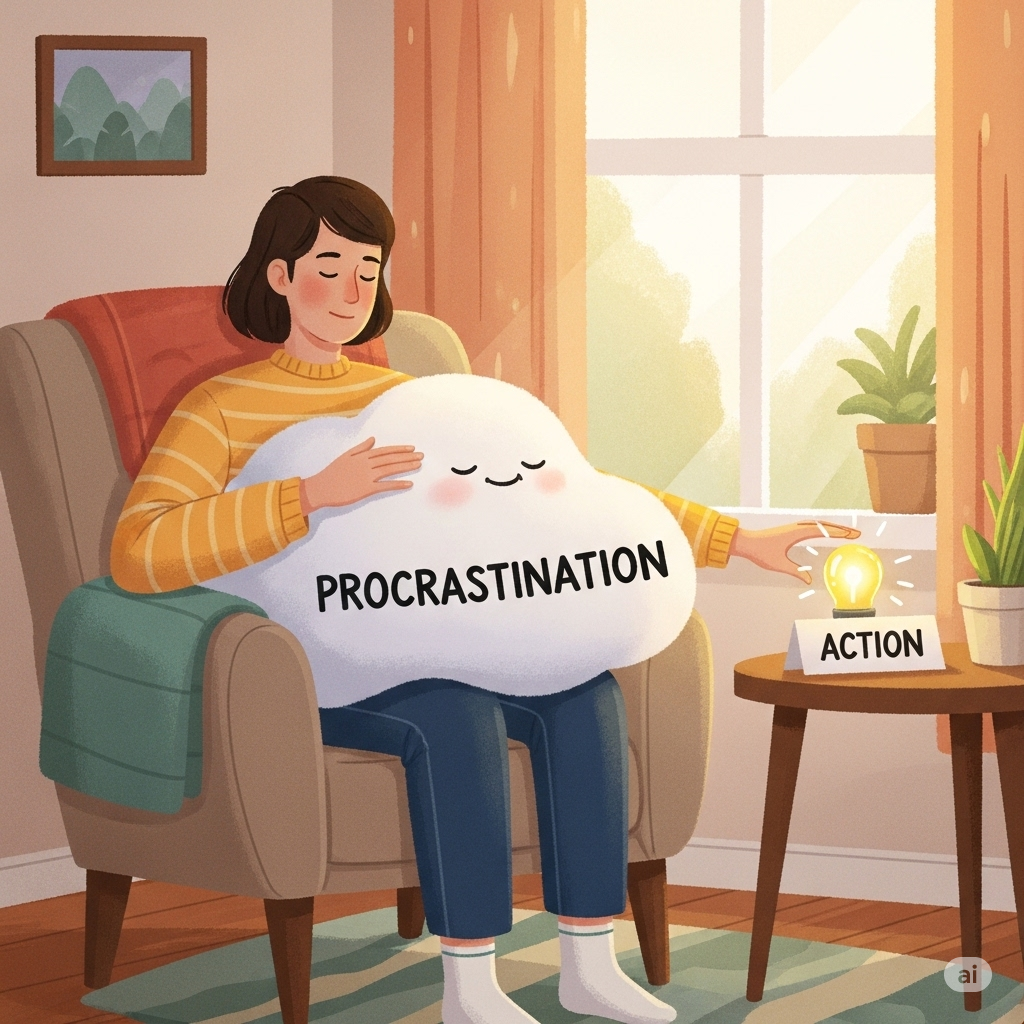
If you haven’t used a subscription in the last month, ask yourself: Do I really need it? Many services let you pause instead of canceling, so you can restart later without losing data or preferences.
3. Take Advantage of Family & Group Plans
Streaming and music platforms often offer family or group sharing plans that cost less per person. For example:
- Spotify Premium Family → Up to 6 accounts at a lower per-person cost
- YouTube Premium → Family sharing with ad-free videos
Sharing legally with family members can cut costs by 30–50%.
4. Rotate Your Subscriptions
You don’t need all streaming services at once. Instead, try rotating subscriptions:
- Subscribe to Netflix for 2 months → cancel → switch to Hulu or Disney+
- Resubscribe only when new shows are released
This way, you enjoy content without paying for multiple unused services at the same time.
5. Look for Annual Plans & Student Discounts
Many subscriptions offer annual billing discounts (often 20–30% cheaper than monthly). If you use a service regularly, annual plans save money.
Also check for student discounts—Spotify, Amazon Prime, Adobe, and Apple Music offer lower pricing for verified students.
6. Use Cashback & Reward Cards
Paying with the right credit card or cashback app gives you rewards. Some cards offer bonus cashback on streaming and digital services. Over a year, this adds up to free months of subscriptions.
7. Bundle Services for More Value
Some providers now bundle services at a discount:
- Apple One → Music + iCloud + TV+ + Fitness+
- Amazon Prime → Shopping perks + Prime Video + Music + Reading
Bundling keeps costs lower compared to paying for each separately.
8. Negotiate with Providers
Yes, you can often negotiate subscription fees. Contact customer support and say you’re considering canceling. Companies sometimes offer discounts, free months, or loyalty deals to retain customers.
Final Thoughts
Learning how to save on subscriptions with these clever tricks is about being intentional, not restrictive. By auditing your services, sharing plans, rotating subscriptions, and using bundles or discounts, you’ll enjoy the same benefits while keeping your budget under control.
FAQs
Q1. What’s the easiest way to save on subscriptions?
Start by auditing your subscriptions and canceling the ones you don’t use.
Q2. Can I share subscriptions legally?
Yes. Most family and group plans are designed for sharing with household members.
Q3. Are subscription manager apps worth it?
Yes. Apps like Rocket Money or Bobby track hidden charges and help you cancel unwanted subscriptions.